
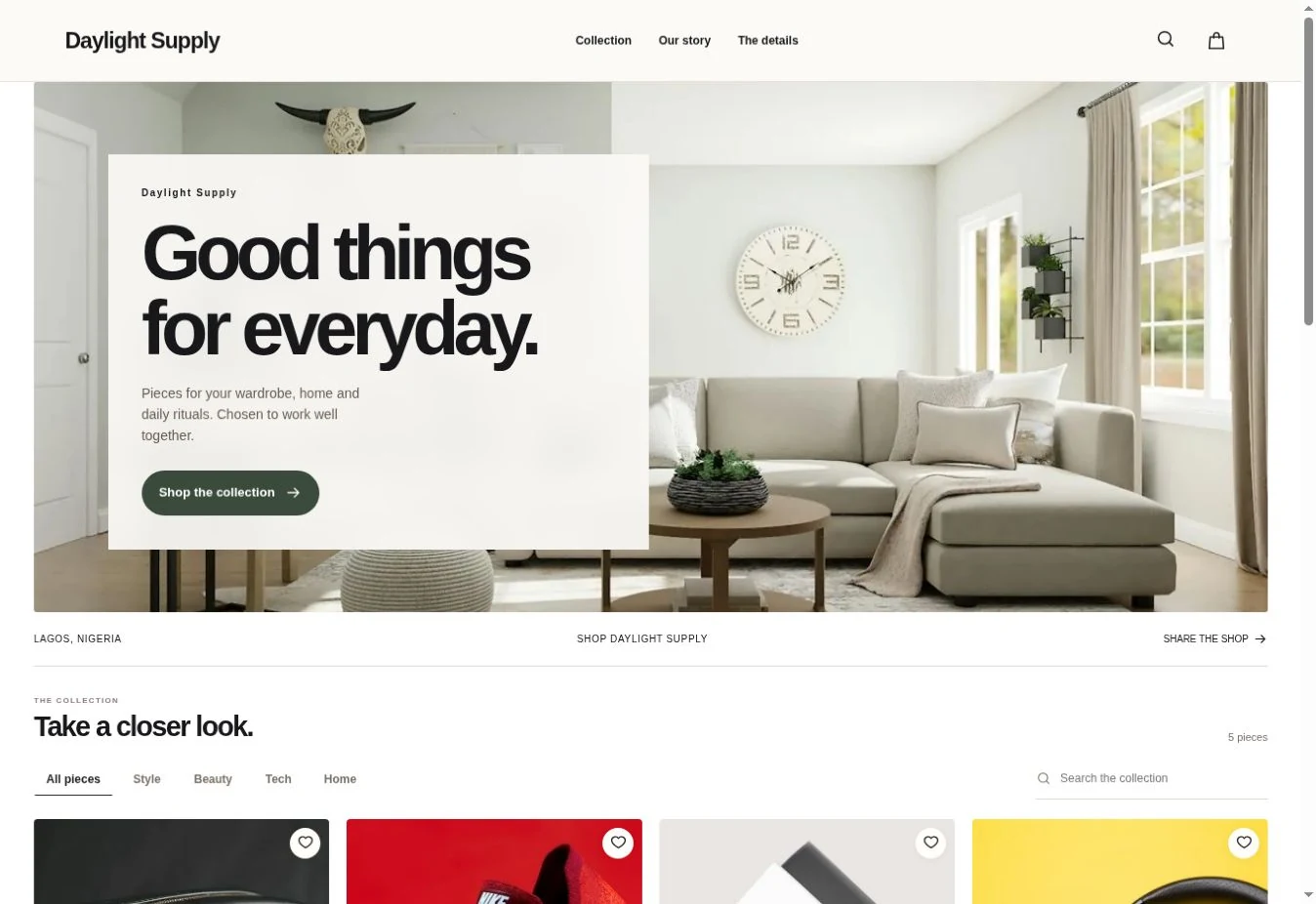
Your Website
Give your customers a place to browse the whole collection, check their size and place an order. Share it as easily as you send a message.
ExploreCommerce for African brands
Give customers a store with your name on it. Keep your products, stock and orders together as you sell on your website and reach new shoppers on Suya Marketplace.

Give your customers a place to browse the whole collection, check their size and place an order. Share it as easily as you send a message.
Explore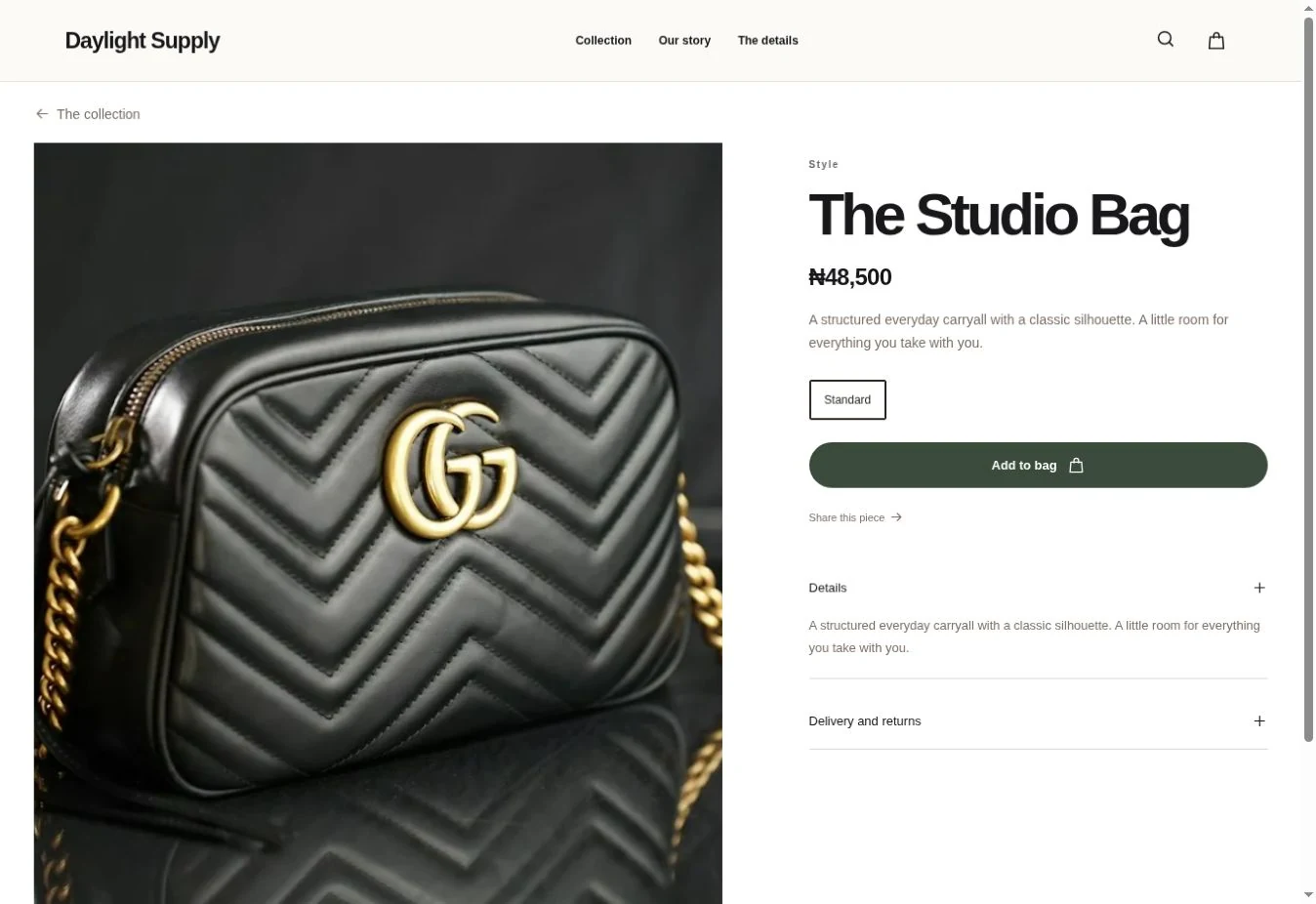
People come to Suya to discover independent African brands. Apply to put your products where shoppers can find them by what they love and where it was made.
Explore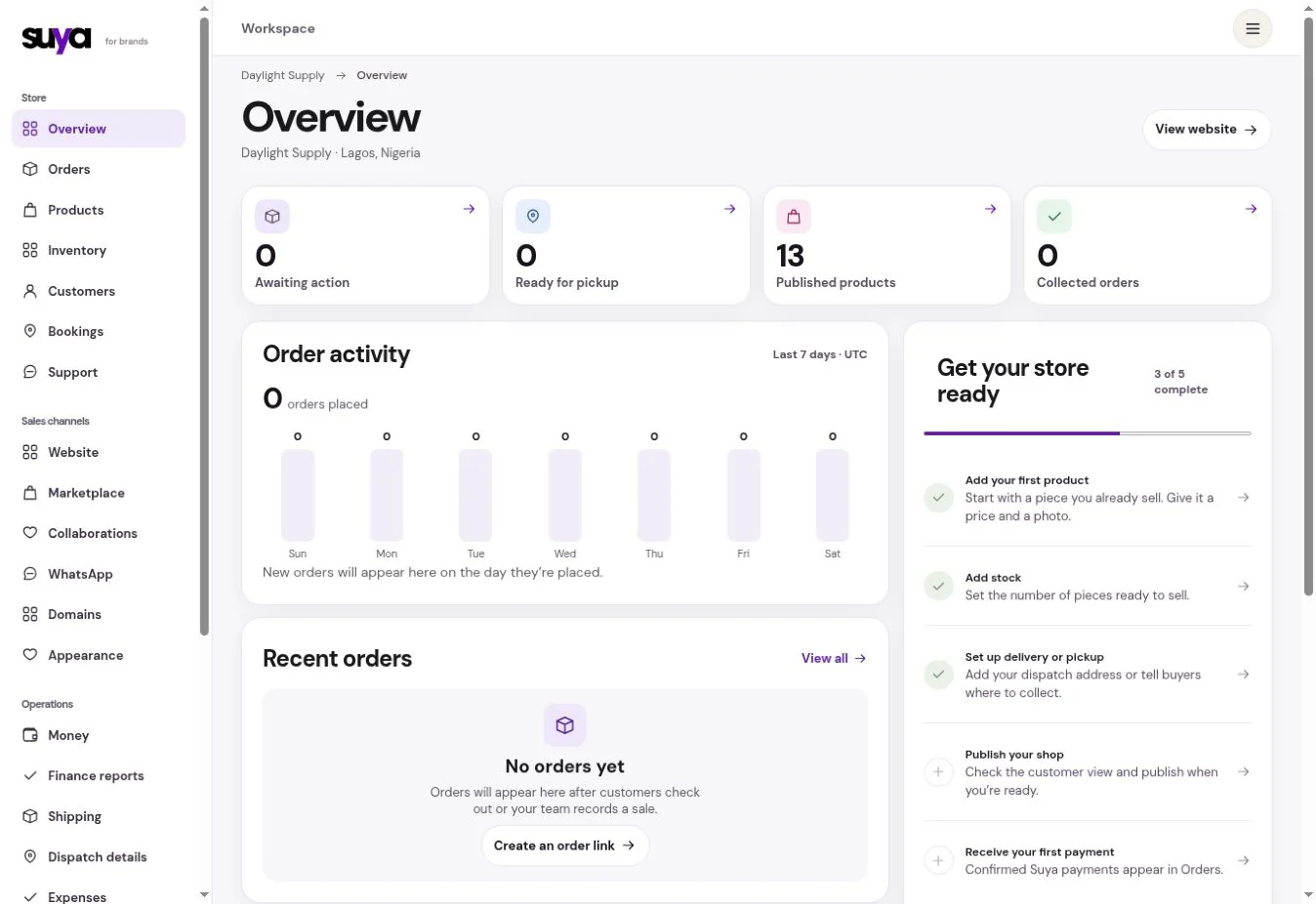
See who has paid, what needs packing and which customer is waiting for an update. Give each order one record your team can work from.
Explore
Give a customer a clear total before they pay. Then pack the right stock, check the delivery options for the parcel and follow its progress from the order.
Choose a store design. Add the name, photographs and story your customers know you by.
Set the stock, prices and options for your first collection. Add delivery and return information before you share it.
Share it in a chat, add it to your bio or use it at your next pop-up. Apply to the marketplace when your catalogue is ready for review.
Start with the products people already ask for. You can add items gradually or import a catalogue by CSV.
Connect a domain you own on Start, Grow or Pro. Every plan includes a Suya store address.
Marketplace listings go through a separate review. You can sell through your own website while you prepare or wait for that review.
Choose a plan based on your catalogue and team. Every plan gives you a website, a catalogue and a workspace for orders.