
Read available and pending amounts separately
Available is the amount you can use for eligible actions. Pending includes proceeds still waiting for the settlement conditions to be met.
Multi Currency Banking
Follow sales, fees, refunds and withdrawals from your Suya balance. Keep the source and currency with each movement so you can explain the difference.
Balance actions and currencies appear when enabled for your business.
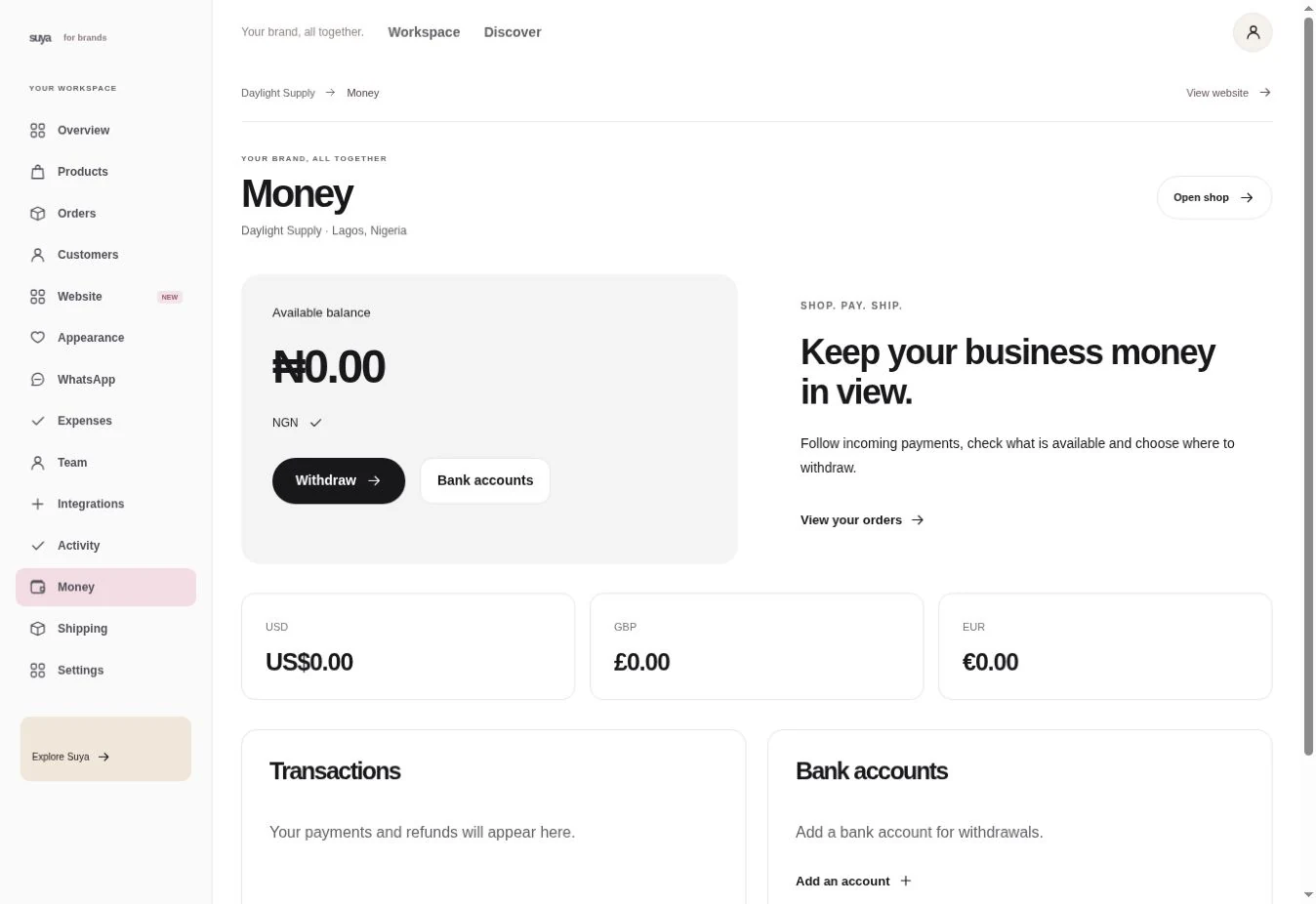
Available is the amount you can use for eligible actions. Pending includes proceeds still waiting for the settlement conditions to be met.
Open the transaction and compare the original amount, adjustments and reference. Use finance reports for a wider date range.
If a transfer, conversion or withdrawal is available, review the account, amount, fees and any exchange quote before confirming.
Example
Match it to the balance entry by reference. If funds are still pending, use the order and settlement status to see why.
Example workflow
See the sale while it’s awaiting delivery and settlement.
See confirmed proceeds you can use or withdraw.
See the receiving account and withdrawal status in Money.
Choose the currency or balance you want to review.
Read the name, reference, amount and status before comparing it with the order.
For enabled balance actions, check the beneficiary and final amount. Save the resulting reference.
Eligible marketplace balance sales remain pending until delivery is confirmed. Open the order to see the delivery status.
Withdrawal options depend on your account, currency and enabled providers. Check Money for options available to your shop.