
See what needs your attention
Keep payment, packing and delivery status in view. When something changes, open the order to see the last recorded step and who needs to act next.
Orders
See who has paid, what needs packing and which customer is waiting for an update. Give each order one record your team can work from.
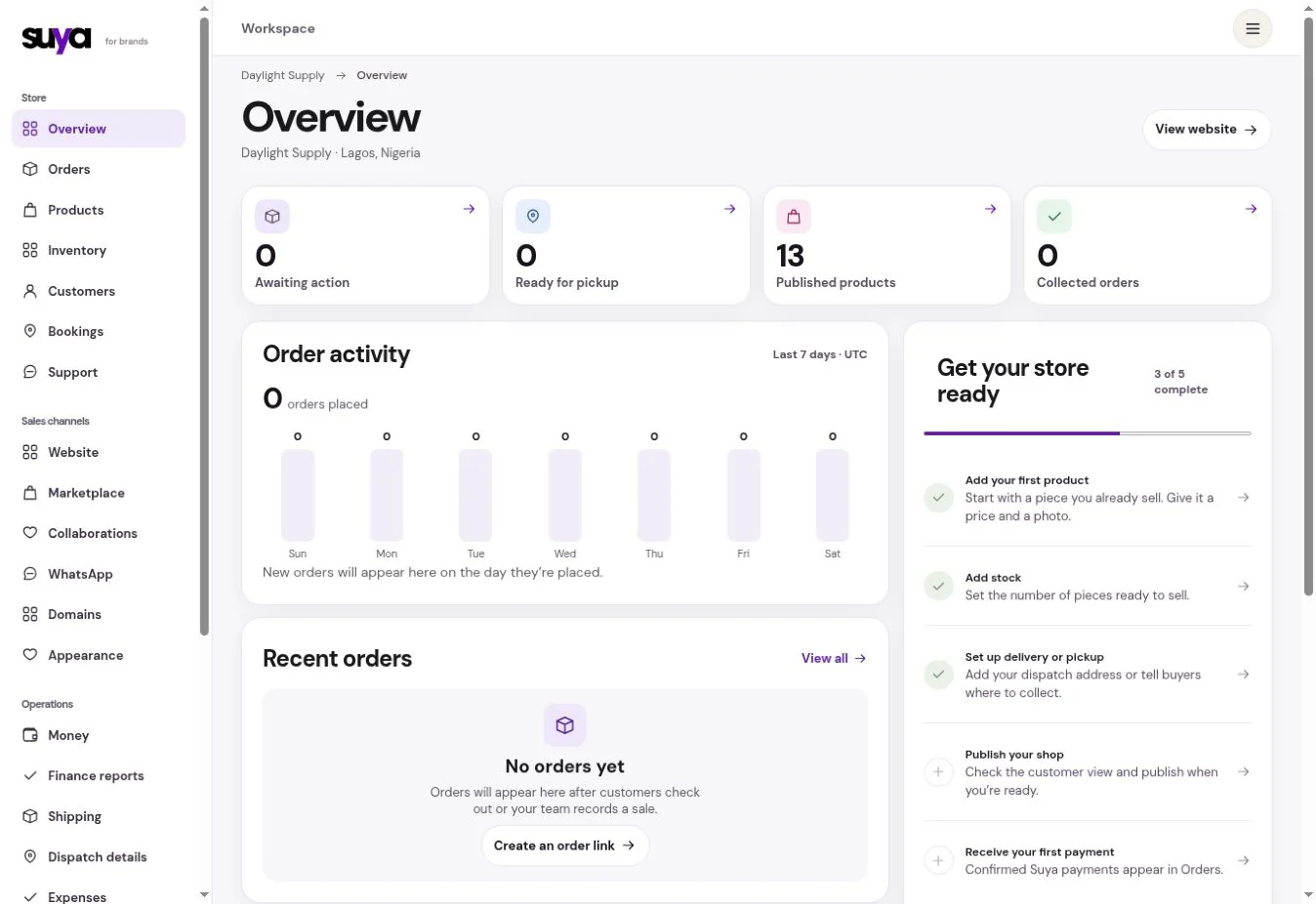
Keep payment, packing and delivery status in view. When something changes, open the order to see the last recorded step and who needs to act next.
Build a bag for someone in a chat or record a sale made outside the website. Use a shareable order link when the customer still needs to check the items and finish.
Look up the order, delivery reference and support record together. Open the same history when someone asks what happened last time.
Scenario
Take the packed order to dispatch. Use the second order’s timeline to see what you already told the customer and pick up from there.
| Order | Status | Next step |
|---|---|---|
| #A012 | Paid | Pack order |
| #A011 | In transit | View tracking |
| #A010 | Delivered | View order |
Confirm the items, what has been paid and whether the customer chose delivery or pickup.
Check the variants and quantities. If two parcels are needed, put the right items in each parcel record.
Follow the carrier update or record pickup. Use the order record if the customer asks for a return or needs an adjustment.
Yes. Record an external order or send a link with the products already in the bag.
Yes. An order can be paid while you’re still packing it.