
Make the site yours
Start with a design that suits your products. Set your colours, upload your wordmark and decide what customers see first. Give each collection room for the photos and details it needs.
Your Website
Give your customers a place to browse the whole collection, check their size and place an order. Share it as easily as you send a message.
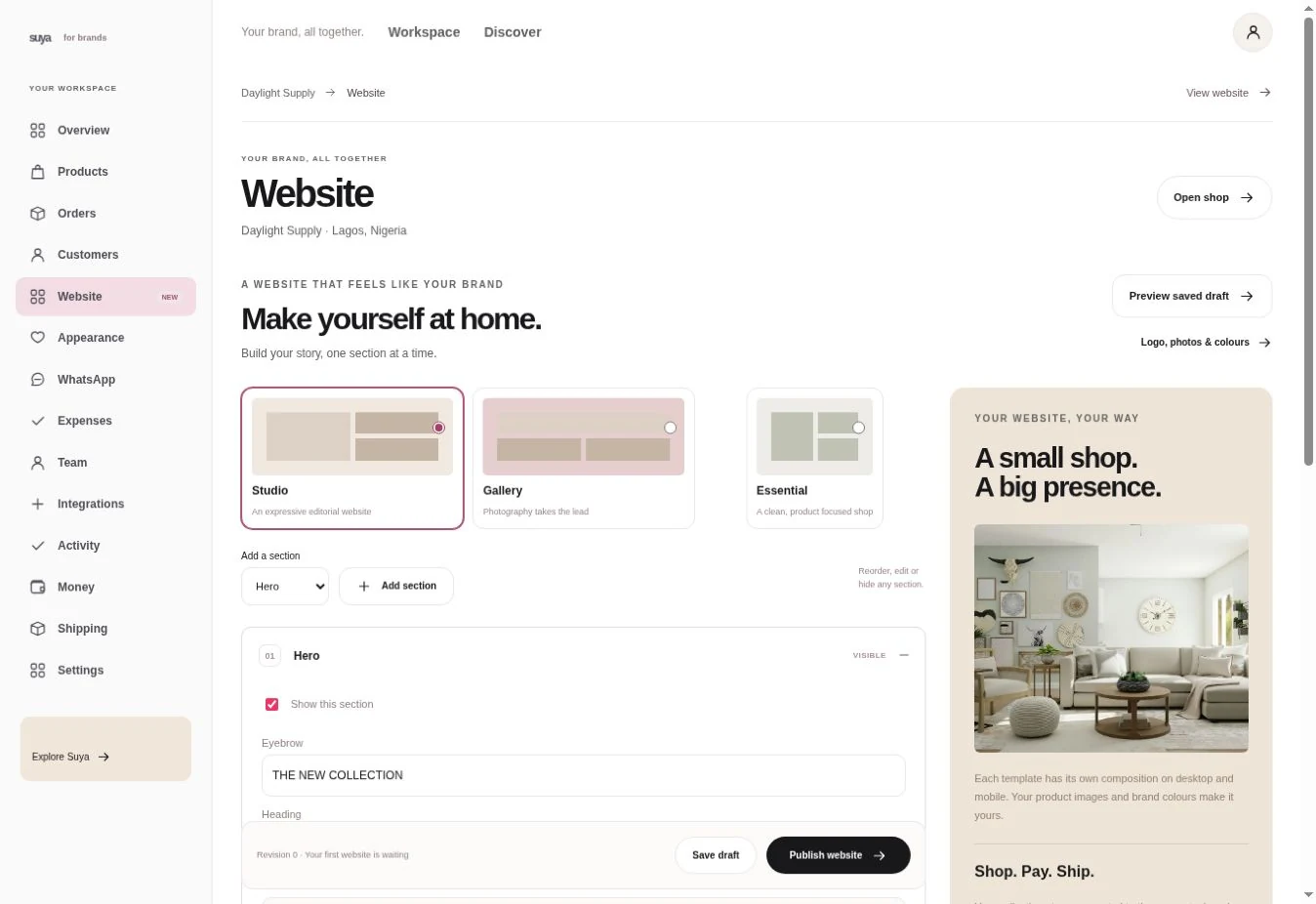
Start with a design that suits your products. Set your colours, upload your wordmark and decide what customers see first. Give each collection room for the photos and details it needs.
Give each product a gallery, a description and options for details like size or colour. Add your delivery and return information so shoppers can check it before they pay.
Every plan includes a Suya store address. Connect a domain you already own on a paid plan. Set a page title and description for search and shared links.
Example
Put the release on your homepage with photographs, a short story and the products ready to browse. Keep last season’s pieces in their own collection.
Add the pieces people already ask for. Give each variant a price and stock count. Weigh and measure the packed item for delivery.
Open the draft on a phone as well as a desktop. Check that a new customer can find a product, choose an option and see your policies.
Put your store link in your bio, send it in a chat or add it to a card at your next pop-up.
Yes. Start, Grow and Pro support custom domains. Keep your Suya address while you set up the connection.
Import products by CSV, review the drafts and publish the ones ready to sell.