
Open the work that needs doing
Check orders awaiting action, pickups and catalogue progress. From a headline number, go to the screen that holds the underlying records.
Business reporting
Start with orders that need action, then follow the sales, refunds and fees behind the totals. Share the records your team needs to close the books.
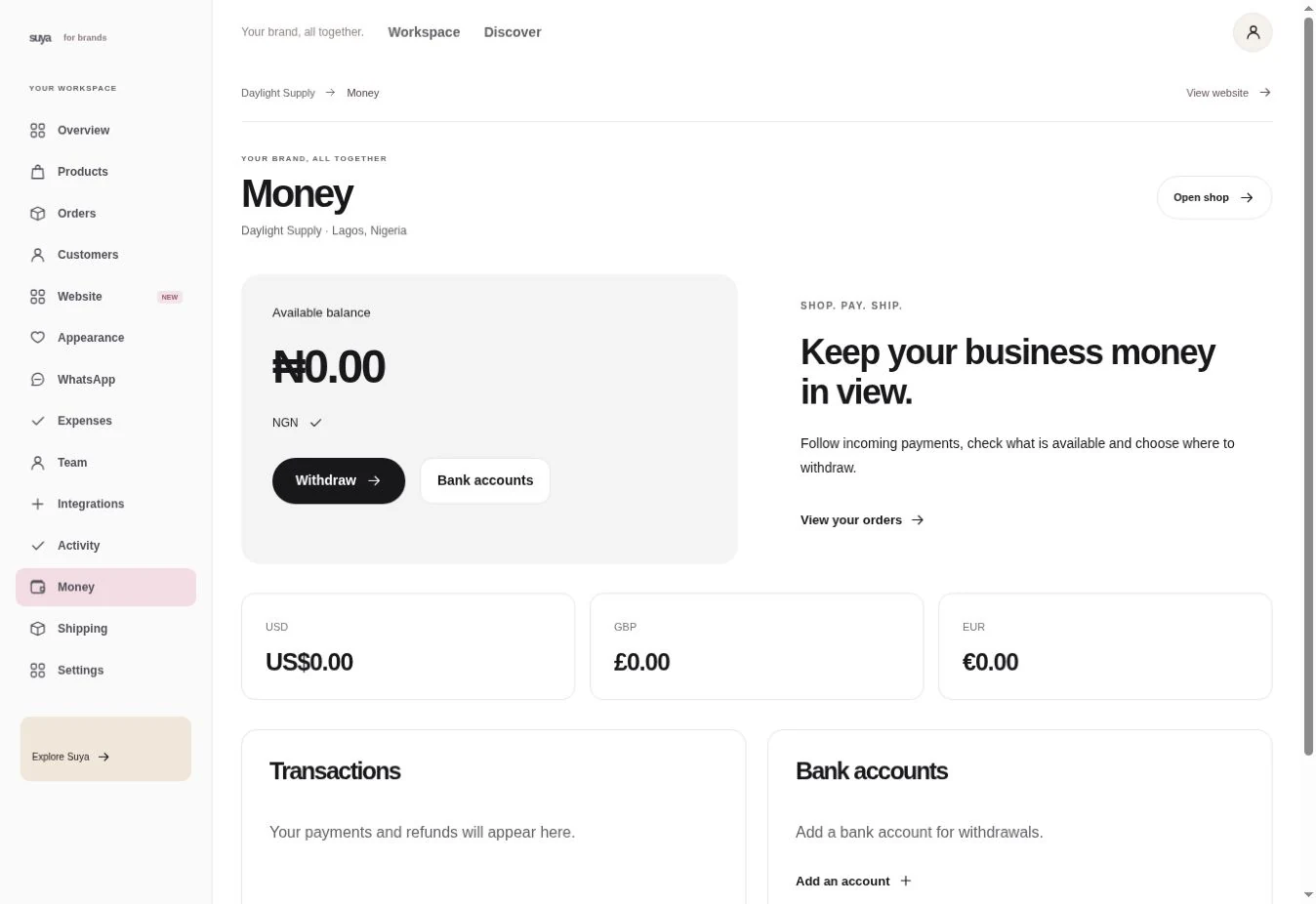
Check orders awaiting action, pickups and catalogue progress. From a headline number, go to the screen that holds the underlying records.
Separate available funds from pending sales. Review the period and currency before comparing activity or sending a report.
Download available finance and order exports for a date range. Use the transaction or order reference to follow up on a difference.
Scenario
Look up the orders, refunds and fees from the period. Share the set of records behind the total with the person reconciling it.
| Date | Activity | Status |
|---|---|---|
| 12 Nov | Order proceeds | Available |
| 11 Nov | Marketplace order | Pending |
| 10 Nov | Withdrawal | Completed |
Set the date range and currency before reading the numbers.
Compare the order, settlement and transaction. Look for fees, refunds or pending funds on their own lines.
Download the available report and keep the date range and currency with the file.
Open Finance reports in your workspace. What you can view or export depends on your role and plan.
Read each currency separately unless you have an actual conversion record.