
Count by the option you actually sell
A medium in black is different stock from a large in black. Give each sellable option a SKU, price and count so your team can find the right piece.
Inventory
See stock by size, colour or SKU. Tell what’s on hand, what’s reserved and what’s ready to promise to the next customer.
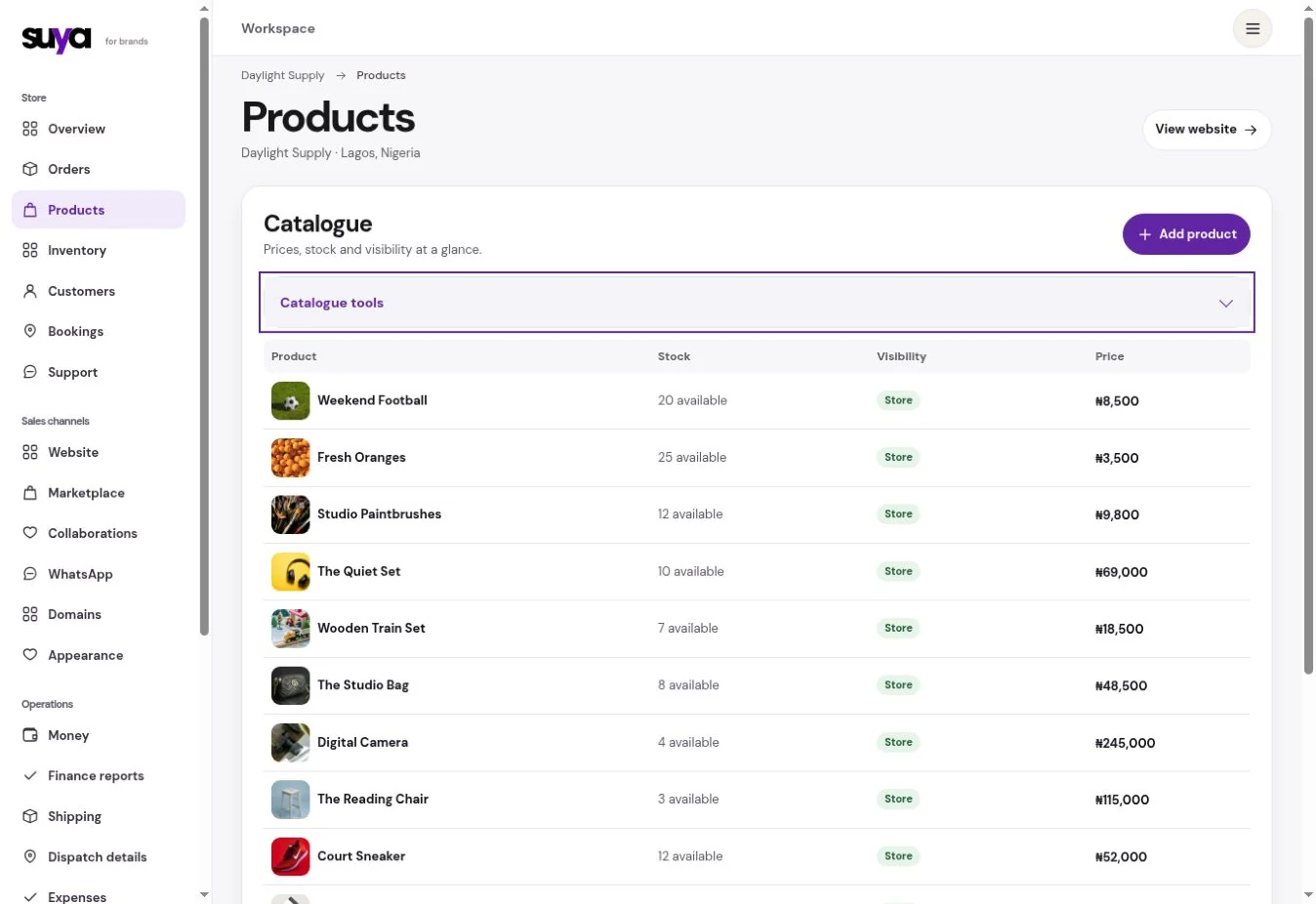
A medium in black is different stock from a large in black. Give each sellable option a SKU, price and count so your team can find the right piece.
Set reorder thresholds on the variants you replenish. Use the reorder list to see what is getting close before you plan a new order.
On an eligible plan, separate stock by location and record transfers and counts. Review differences before updating the count people can sell from.
Scenario
When an order reserves it, the on-hand count still includes the piece. Available stock shows what you can offer the next buyer.
| Product | Available | Reserved |
|---|---|---|
| Linen shirt, S | 14 | 2 |
| Linen shirt, M | 3 | 4 |
| Linen shirt, L | 0 | 1 |
Enter a clear name and SKU for each variant. Use a CSV when you have a range to bring across.
Enter the quantities you physically have. Add packed weights and dimensions so delivery quotes use the right parcel details.
Review discrepancies, reorder thresholds and location moves before a busy period.
Yes. Set the SKU, price and quantity for each variant.
Pro includes multiple locations. Keep stock assigned to the location that holds it.